Shoot twice.Cut once.
Front and back camera, both filmed at once. Switch angles without the freeze.
Made for the moments you don't want to choose between.
Capture both angles. Choose the story later.
TwoTakes doesn't simulate a live camera switch while you shoot. Both angles are already rolling, at the same time.
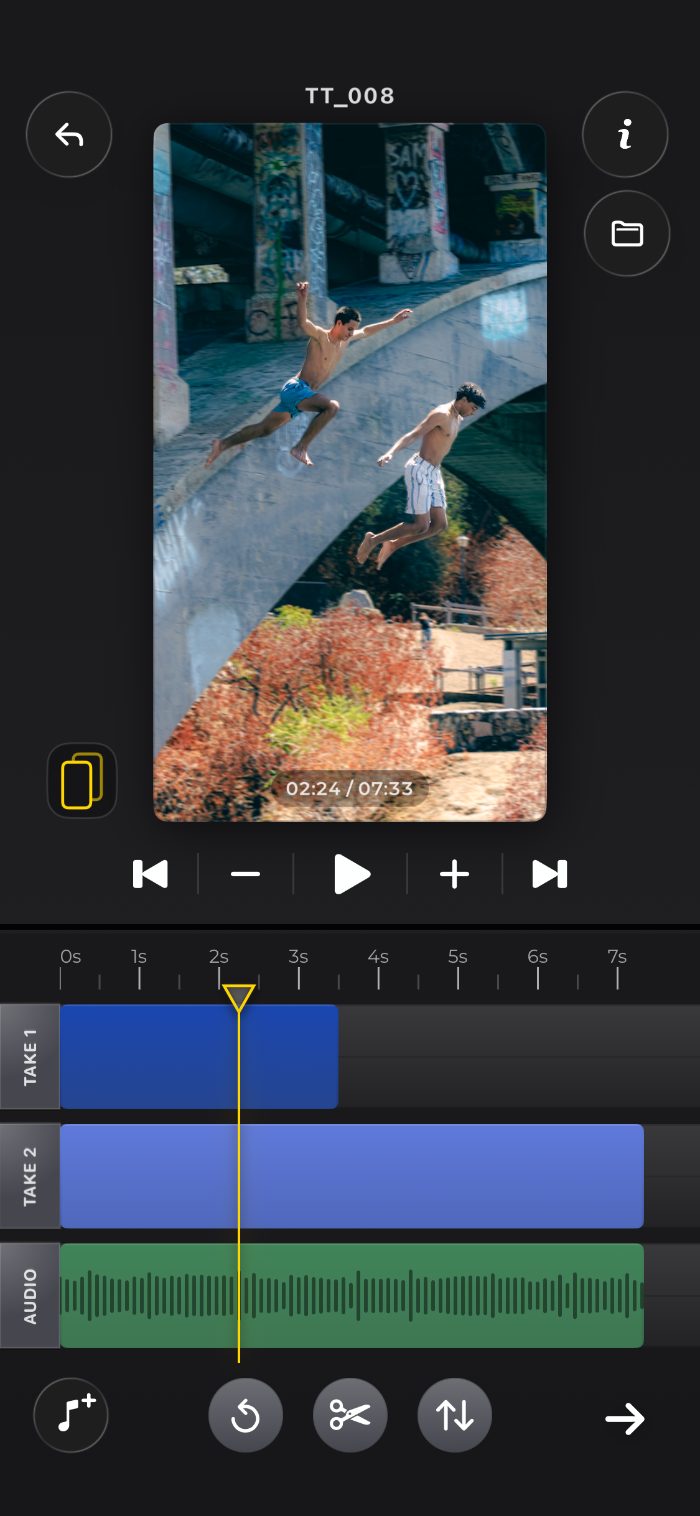
You decide in the edit which angle is visible, and exactly when — on a real timeline, after the shot.
Nothing to sync, nothing to reshoot: the second angle was captured the whole time, just waiting on its own track.
Pick a layout. Then shoot.
Choose how your two cameras are arranged before you record. Every mode films both lenses — except Solo.
Solo
One camera, one track. The simple shot.
Split V
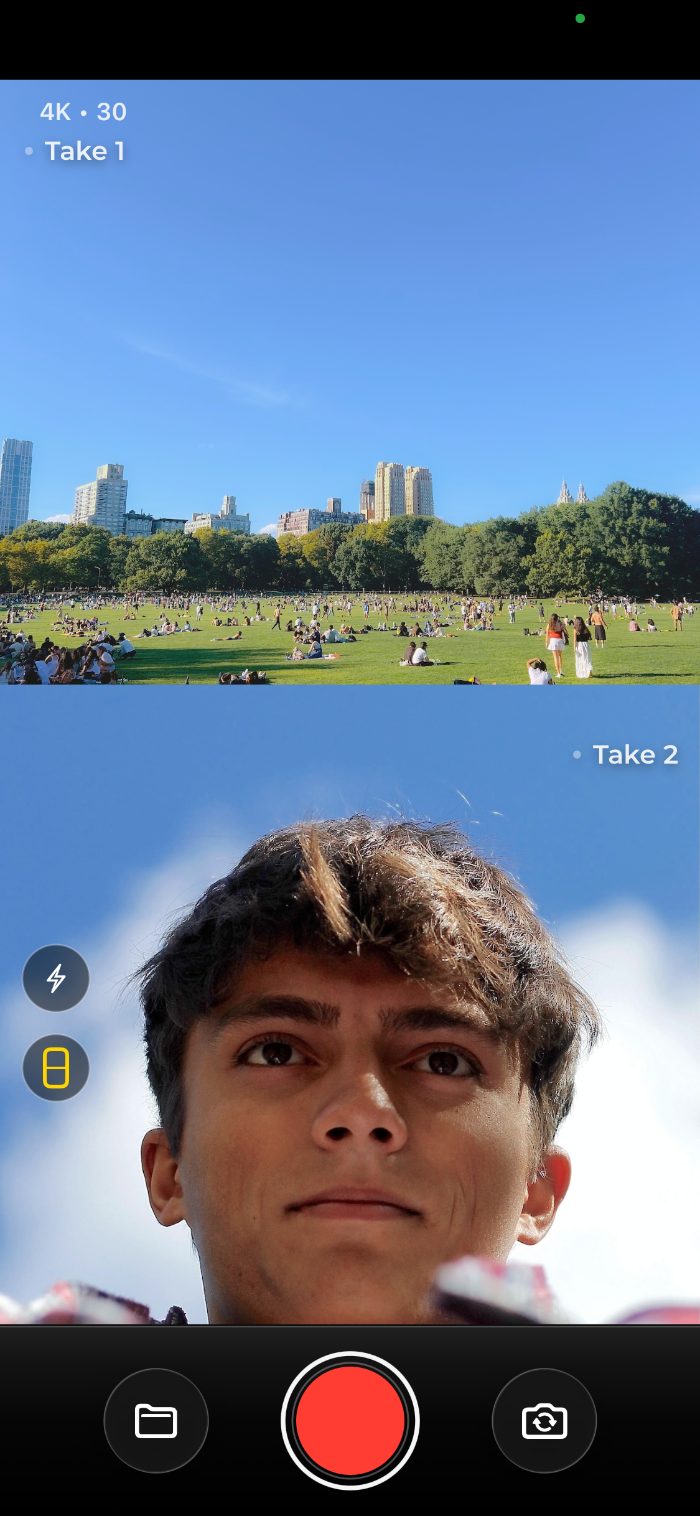
One camera above, one below — a line splits the frame.
Split H
Both cameras side by side in one frame.
PiP
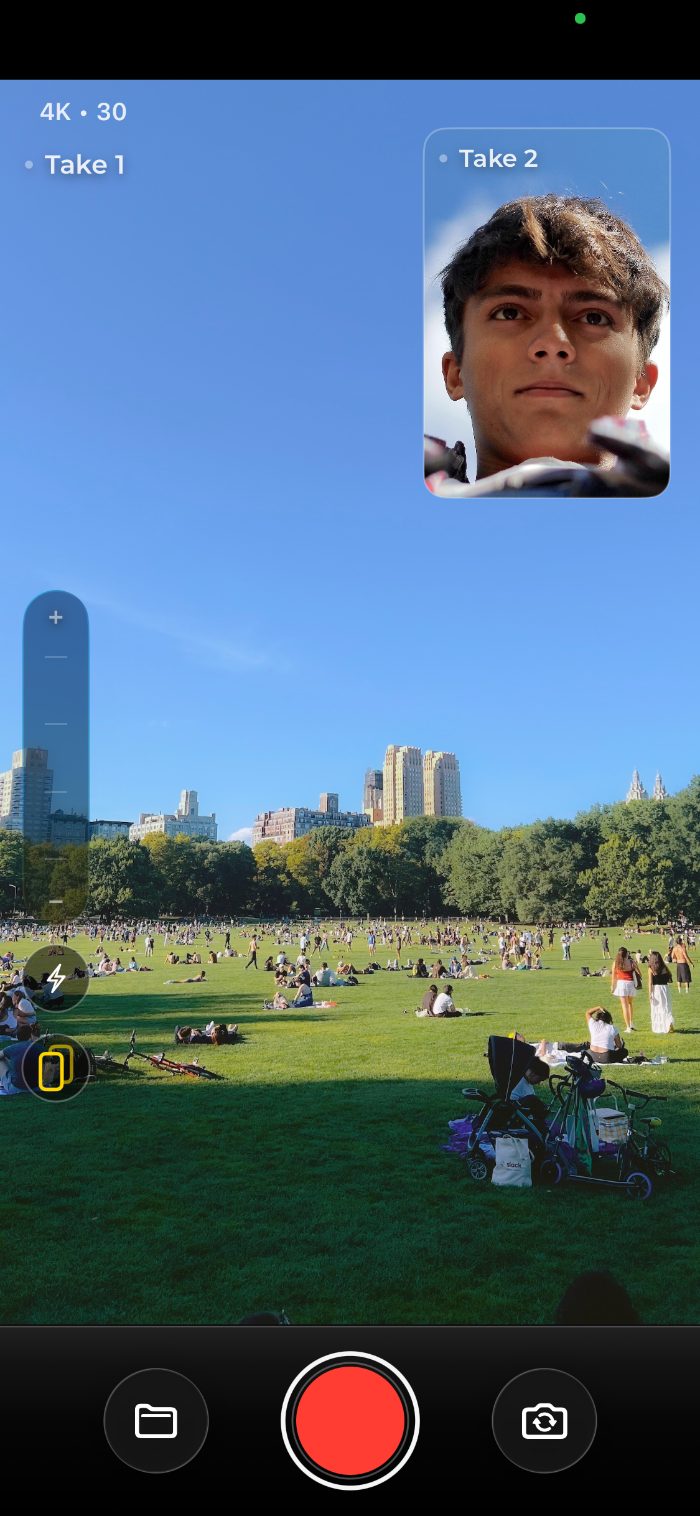
One camera full-frame, the other in a corner bubble.
Dual
Both record, one shows. Choose the angle at edit time.
Pick the mode that fits the shot.
Solo, Split V, Split H and PiP lock in their layout the moment you hit record. Dual is the one mode built to keep both takes separate, so you can still choose the angle afterwards, in the edit.
- Split V and Split H frame both cameras together in one shot
- PiP keeps one camera full-frame with the other in a corner bubble
- Solo, for when you only need one camera
You land straight in the edit.
As soon as your recording is ready, you can jump straight into the edit — your takes and audio, ready to cut. No import, no transfer, no desktop.
- Take 1, Take 2 and Audio on a real multi-track timeline
- Cut, trim, delete and undo — down to the frame
- Double-tap to jump-zoom, mute a track, add audio overlays
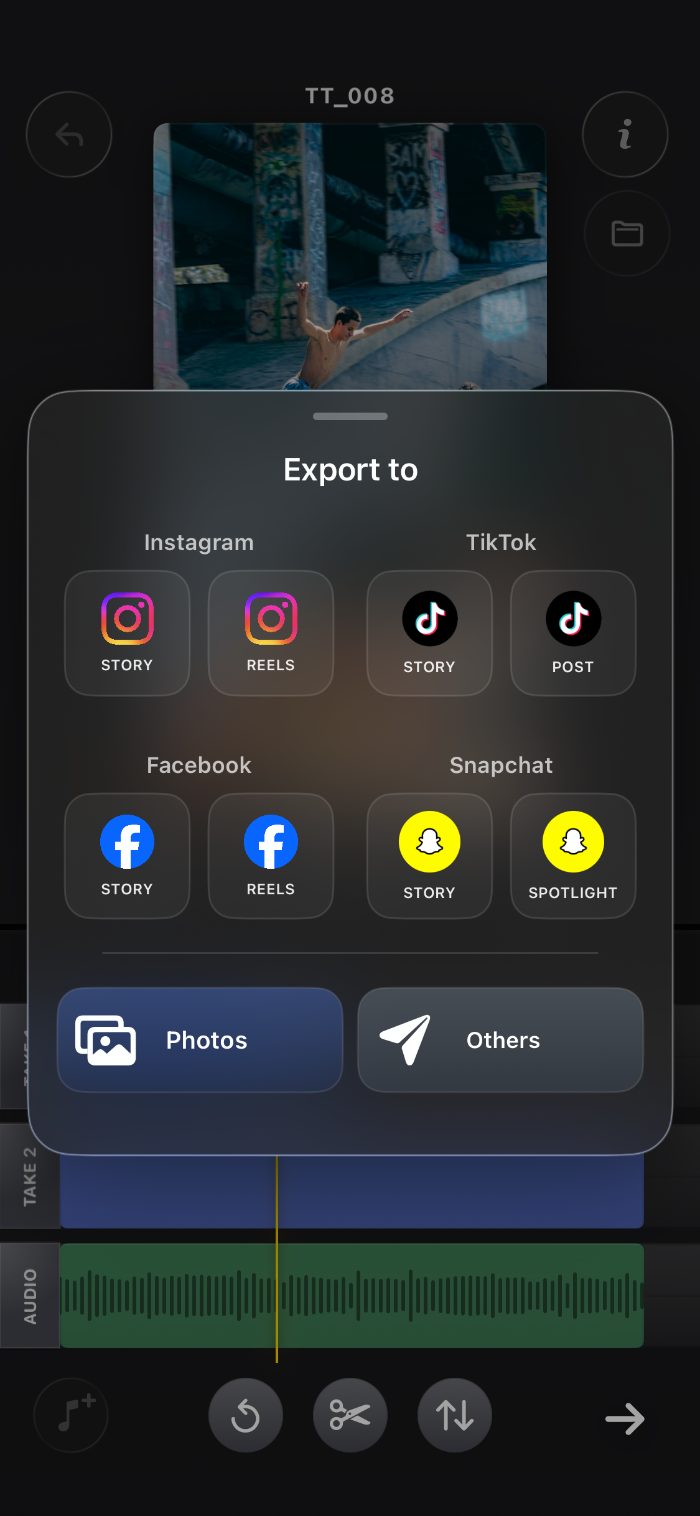
Export straight to Instagram, TikTok, Snapchat.
Render your finished cut and send it exactly where it's going — Stories, Reels, Spotlight — without a detour through your camera roll.
- Share to Instagram, TikTok, Facebook and Snapchat
- Or save straight to Photos and share it your own way
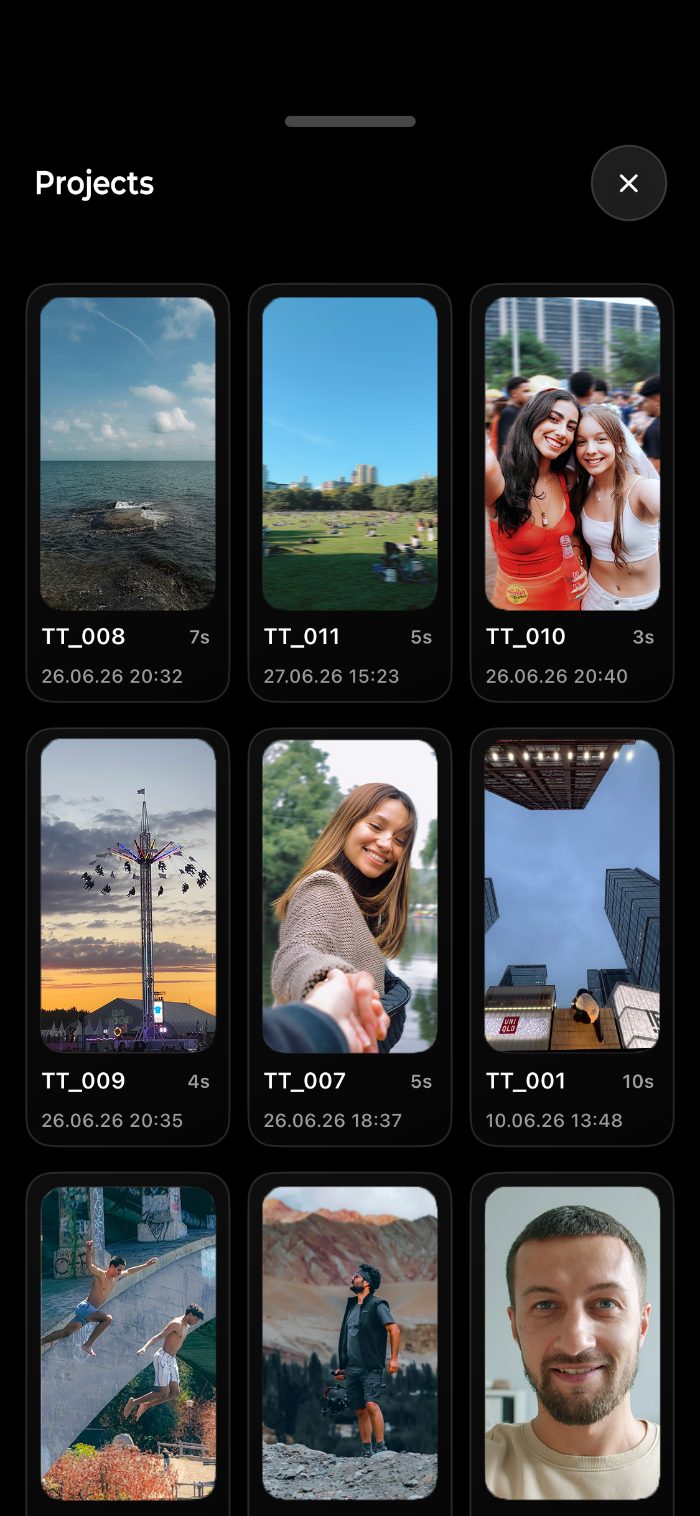
Find and organize every take in a tap.
Every project keeps your takes, timeline and audio bundled together — scroll through your library the way you'd scroll your camera roll.
- Every shoot saved as its own project, thumbnail and all
- Jump back into any edit exactly where you left it
Three steps, start to finish.
From recording to a shareable cut, without leaving the app.
{{ step.title }}
{{ step.body }}
Free to start. Pro when you need more.
Record and edit for free — TwoTakes Pro removes the limits.
Free
Pro
Prices shown in USD/EUR and subject to change. Billed through the App Store.
Good to know.
Two cameras.One download.
Film both angles. Choose your story after. Free to start on the App Store.
Download on theApp Store